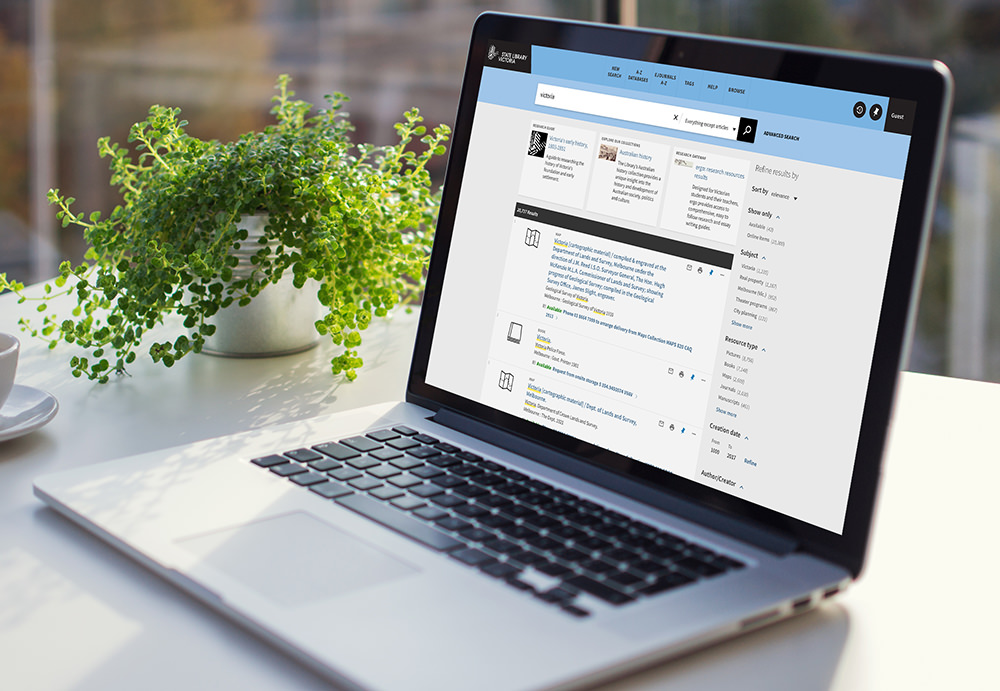
Search our catalogue to:
- access the Library's vast collection
- check the location of a book you can find on the shelves
- request items from storage
- find ebooks, ejournals and newspaper articles
- view our digitised collections – pictures, maps and more
It's easy! You can:
- log on to our wi-fi using your own device – select the 'State Library of Victoria' network
- jump onto one of our catalogue and database PCs
- ask a librarian in the Redmond Barry Reading Room for assistance
To get started, type a word or two into the catalogue search box and hit enter or Search.
Search our catalogue: search.slv.vic.gov.au