Printing is available to all users.
- Bring up the document on your computer screen and select ‘Print’.
- Select the desired print settings and choose colour or black & white printer.
- Enter your account ID in the pop-up print box to send your job to a printer.
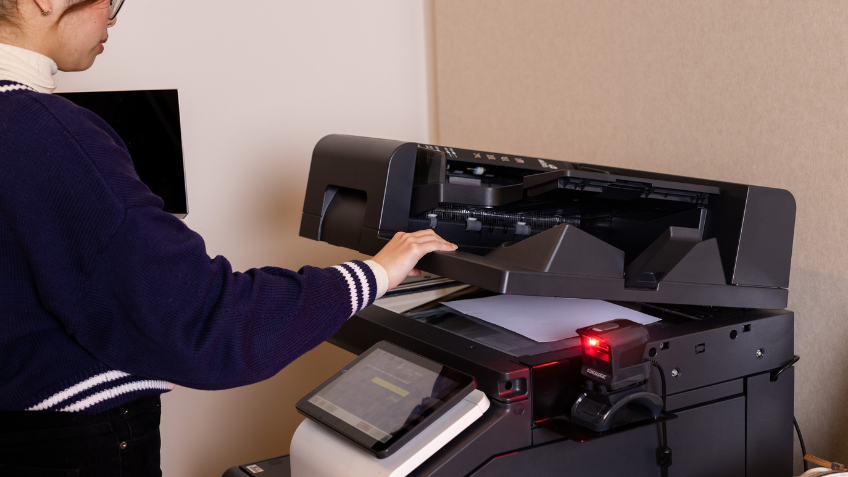
- Go to the nearest printer and log in with your account ID to release your print job.
You can also print from your own device, no matter where in the Library you are, print from a USB, or send a print job via email to [email protected].
Follow the link below for step-by-step instructions on printing from your own device or via email.
Prices
Black & white copy/print
- A4 – 20c
- A3 – 30c
Colour copy/print
- A4 – $2
- A3 – $4
Scan to USB or email
Free
Find out more about printing: slv.vic.gov.au/visit/print-copy-scan